
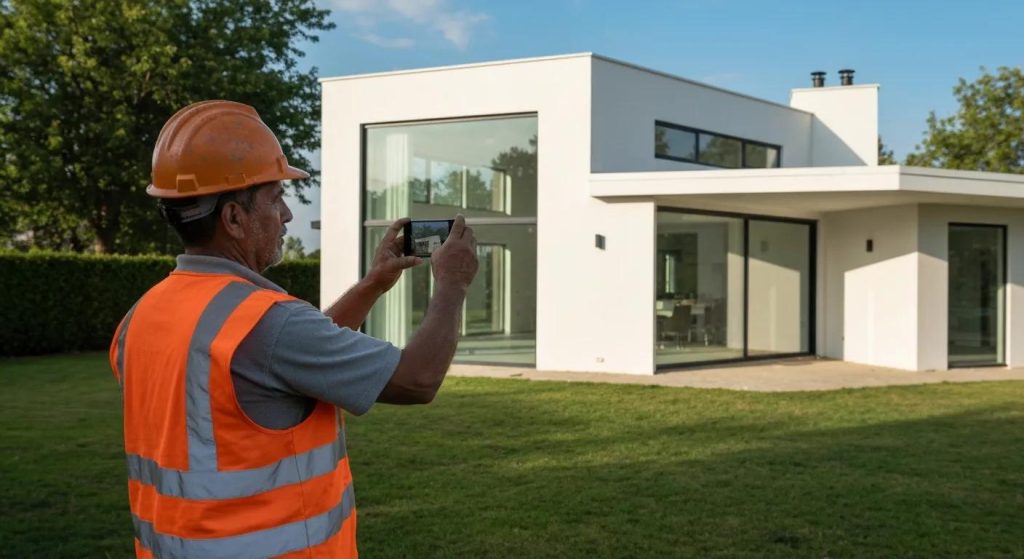
You’ve just completed a perfect job – a smooth paint finish, neat carpentry or a spotless new roof – and you snap a quick photo to show it off. But the result looks nothing like the real thing. Maybe the light is poor, the room is dark, or your toolbox is photobombing the corner. Even high-quality work can appear rushed or unclear in a messy shot. The good news is you don’t need fancy gear or Photoshop skills to fix this. New AI-powered photo editors can tidy up and enhance your job-site pictures in seconds by removing clutter, balancing light, and sharpening details automatically.
Why Job Site Photos Matter (Even If You’re Not a Photographer)
In today’s digital world, your photos are often a customer’s first impression of your work. Quality images grab attention and build trust. In practical terms for a builder, decorator, plumber or electrician this means:
- More attention: Sharp, well-lit photos stand out. Pages or social posts with images get far more clicks – one study showed 94% higher view counts when a good image is included.
- Greater trust: Clear, professional-looking photos tell clients you care about quality. On the other hand, a poor photo can cheapen your brand by looking unpolished. Good photos show you stand behind your work.
- Higher engagement: Photos encourage people to interact. Websites and posts with images get more social shares and inquiries. A striking before-and-after shot of a remodel or repair is far more likely to catch a homeowner’s eye and make them reach out.
Even if you’re the most skilled tradesperson, your photos need to be neat for that first impression. A well-taken picture of a clean, finished job makes clients confident to call you, while a blurry, cluttered one can make them hesitate.
The Problem: Great Work, But Messy Images
Every trade pro knows the photo pitfalls on a job:
- Cluttered backgrounds: Tools, bins, cables or stray materials around the work can steal focus. Photographers advise to clean the area before shooting – but on a busy site that’s not always possible.
- Poor lighting: Dark rooms, shadows and inconsistent light can hide details. A dim basement or exterior at dusk often comes out murky unless you fiddle with exposure.
- Blurry or low-resolution shots: Quick phone snaps can blur if hands move or focus fails. The result is a washed-out photo that doesn’t do justice to precise woodwork or tile.
- Colour and contrast issues: A neutral wall or grey concrete can look flat and dull without adjustment. Lack of contrast makes it hard to see the craftsmanship.
These issues make even the best finish look underwhelming. In fact, a high-quality backsplash or fresh wiring job may look sloppy if the photo is dark or cluttered.
The Solution: How AI Helps Tidy Up Your Photos Instantly
Modern AI photo editors are like virtual assistants for your images. You simply tell the tool what to fix (or click a button) and it does the heavy lifting. In practice, this means:
- Removing unwanted objects: AI tools can instantly erase distractions. For example, Adobe Photoshop’s new Remove Tool lets you paint over any object and it will erase objects of any shape and size, from bits of trash on the ground to a passing car, automatically filling in the background. An even smarter mode called Distraction Removal can detect and delete common nuisances like wires, cables, or people with one click. In short, you can clean up busy backgrounds without painstaking manual editing.
- Brightening and sharpening: AI can rescue dark or blurry shots. Tools like Photoroom’s Product Beautifier use AI to automatically enhance lighting, sharpen details, and boost colour in seconds. A single tap will brighten shadows and increase contrast so your work’s colours pop. Blurry edges are clarified and fine details (like wood grain or tile grout) become crisper.
- Enhancing colours and lighting: Beyond basic fixes, AI can make colours richer and the overall look more professional. For example, it can correct white balance, so a wall looks truly white instead of yellowish, or simulate balanced studio lighting on a simple smartphone shot.
- Adding polish for sharing: Many AI editors also include quick features to make photos social-media-ready.You can overlay your logo or contact info, add a before/after split screen, or apply tasteful filters that match your brand. The point is, you can get a polished, on-brand image without hiring a designer.
In essence, AI photo editors let you get pro-level results in just a few taps or clicks, doing in seconds what used to take skilled editors hours.
5 Easy AI Tools to Try (No Design Skills Needed)
These beginner-friendly tools can help improve your job photos in just a few clicks:
- Adobe Photoshop (with AI): Removes clutter, tools, or people in one brush. Great for background clean-ups if you already use Photoshop.
- Canva: Drag-and-drop tool with AI to erase objects, fix backgrounds, and add logos or text. Perfect for quick social-ready edits.
- Google Gemini: Type what you want changed (e.g. “remove bin, brighten room”) and it does it for you. Great for custom edits without tech skills.
- Photoroom: Cuts out backgrounds, sharpens lighting and detail, and gives your photo a studio finish. Ideal for product-style shots.
- Snapseed: Mobile app for adjusting brightness, cropping, removing small spots, and adding filters. Handy for on-site edits.
Each of these tools requires little to no design skill. Try a couple to see what works best for your workflow. Even passing familiarity – a click here, a quick text prompt there – can dramatically improve your job photos without hours of editing.
You don’t need to fake results or use gimmicks. You just need to show your real work – clearly and attractively. AI editing helps ensure that your craftsmanship is the star of the photo, not the shadowy corner or stray tool. And when your images look great, people are more likely to share them and remember you when a new job comes up.
Want Help Using AI in Your Trade Business?
If all this sounds exciting but a bit daunting, you’re not alone. We specialise in helping tradespeople – builders, electricians, decorators, plumbers, you name it – use AI and other tools to grow their business in simple, practical ways. No tech jargon here: our goal is to get you more inquiries with less effort. If you’d like a free discovery call, we’re happy to walk you through examples and answer questions about using these AI tools or improving your online presence. It’s 100% no-pressure; just real advice on how to look more professional and save time. Reach out anytime to take the next step toward sharper, more effective job photos and watch how it can boost your business.